
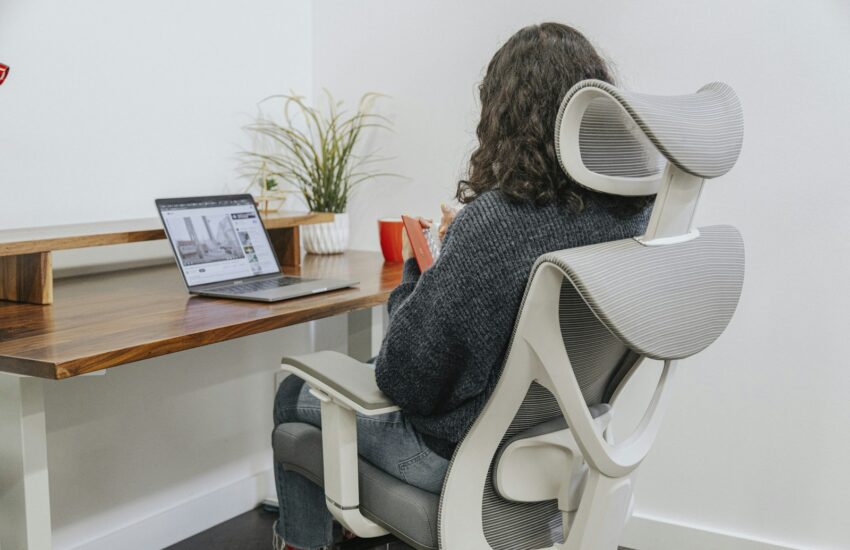
Desk Posture: Simple Tips to Help Your Team Avoid Aches and Pains
Stiff necks, sore shoulders and aching lower backs are so common in offices that people almost accept them as part of the job. They don’t have to be. A few small changes to how desks are set up, and how people move during the day, can make a real difference.
Here’s a simple guide you can share with your team.
Why posture matters
Work-related musculoskeletal problems affected an estimated 511,000 workers in Great Britain in 2024/25, according to the Health and Safety Executive (HSE). They’re one of the biggest reasons for time off, and much of the discomfort starts with long hours sitting in the same position.
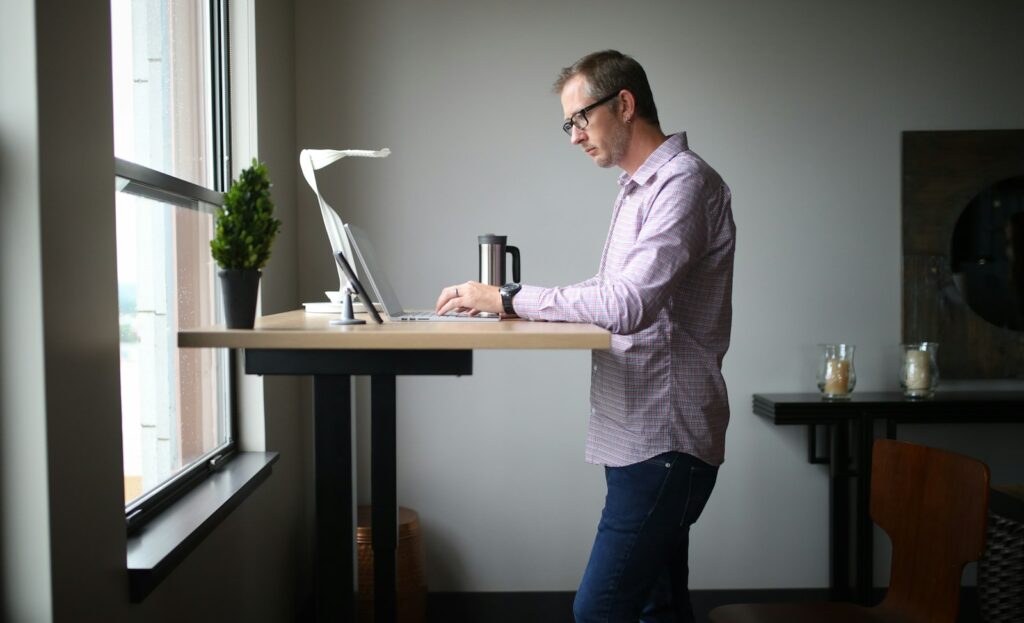
The good news is that perfect posture isn’t the goal. Movement is. The best position is your next one.
Setting up a desk properly
These tips follow the HSE guidance on working with display screen equipment:
- Screen: the top of the screen roughly at eye level, about an arm’s length away. Laptop users should use a stand and a separate keyboard and mouse.
- Chair: adjust the height so your forearms are roughly horizontal when typing. Sit back so your lower back is supported.
- Feet: flat on the floor or on a footrest. Avoid the seat edge pressing into the backs of your knees.
- Keyboard and mouse: close enough that you’re not reaching, with wrists straight and a light touch.
- Light: position the screen so it’s not facing a window or catching glare.
Five habits that help more than any chair
- Move every 30 to 60 minutes. Stand up, refill your water, take a call on your feet.
- Roll your shoulders back and down a few times, especially after a long meeting.
- Tuck your chin gently to counter the forward head position we all slip into.
- Look away from the screen. Every 20 minutes, look at something about 20 feet away for 20 seconds.
- Take a proper lunch break away from your desk, ideally with a short walk.
What employers need to know
Under the Display Screen Equipment Regulations, employers must assess workstations for staff who use screens daily, help them take regular breaks or changes of activity, and provide an eye test on request. The HSE guidance on working with display screen equipment explains it in plain English, and it applies to home workers too.
Small extras that go a long way
- Offer desk risers or laptop stands to anyone who asks.
- Encourage walking meetings for one-to-ones.
- Run a short stretch or posture session during a team meeting.
- Book an on-site chair massage day focused on necks, shoulders and backs. It’s a lovely way to ease tension and remind people to look after themselves. Read about the benefits of workplace chair massage.
Ready to ease the desk tension in your team? Get a quote or call 020 7100 5465. We usually reply within one working day.
Read next: Can Chair Massage Help With Workplace Burnout?
